


















Event App Development for Conferences, Corporate & MICE Events
Webority builds custom attendee apps and the on-site desk behind them: multi-track agenda and personal schedules, RSVP and registration, offline-first check-in, badge printing, QR and NFC scanning, networking, and live polling. Your attendee data stays on your infrastructure and the code is handed over. Engineered under CMMI Level 5 and ISO 27001, from our Delhi NCR centre for organisers across India, the US, the UK and the Gulf.
Get a Free Consultation
Fill in your details, and we will respond within 24 hoursTrusted by Leading Brands & Growing Startups







What Event App Development Actually Means
An event app is what your attendee holds and what your registration desk runs on. Event app development is building that app, and the back office behind it, around one organiser's events, rather than renting a slice of a platform shared by thousands. The agenda logic, the hardware it talks to, and the attendee database are all yours.
Most events do not need this. Established platforms run a standard conference well, and if that is your event, use one. This page is about the cases where a shared platform runs out of room: when the attendee list has to be yours, when the venue has no usable wifi, when the scanners and turnstiles already exist, or when per-attendee pricing has outgrown the cost of building.
Why Organisers Outgrow Event Platforms
Six limits a shared platform cannot cross, because they are properties of its business model rather than gaps in its feature list. If your event is streamed rather than staged, our virtual event platform is the closer fit.



The Attendee List Is Your Asset, Not Theirs
Everyone who registered, which sessions they chose, which sponsors they spoke to. That is the most valuable thing an event produces, and on a shared platform it lives on someone else's infrastructure under someone else's export rules. No vendor concedes this, because the list is what keeps you renewing. A built app puts the database on your servers and the repository in your hands.
The Venue Wifi Will Fail You
Ballrooms, basements and exhibition halls are where connectivity goes to die, and it always dies at 9am with four hundred people in the queue. A cloud-dependent check-in stalls on the round trip. Offline-first means the scan is written to the device and reconciled later, so the desk keeps moving whether or not the network does.
The Hardware Already Exists
You have badge printers, scanners, and a venue with turnstiles. A platform supports its own certified device list, and if your equipment is not on it, the answer is to buy theirs. A built app targets what you already own or can hire locally, which is usually the difference between an integration and a procurement round.
Per-Attendee Pricing Scales Against You
Platforms bill per attendee, per event, indefinitely. That is excellent value for one conference a year and a steadily worsening deal across a calendar of them. A build is a capital cost plus hosting. There is a crossover point, it depends on your volume and cadence, and it is worth calculating honestly rather than assuming either answer.
Your Agenda Is Harder Than Their Model
Parallel tracks, capacity per room, waitlists that promote automatically, clash detection when a delegate picks two sessions at once, invite-only rooms, and a protocol order that decides who gets a seat. Products simplify this because they must serve everyone. If your agenda is the complicated part of your event, that simplification is the thing that breaks.
Attendee Data Is Personal Data
Names, phone numbers, dietary needs, employer, and every badge scan a sponsor made. India's DPDP Act governs how that is collected, used and erased. Global platforms ship GDPR tooling; DPDP-specific consent and erasure is a different question, and for a government, PSU or regulated-sector event it is often the question that decides whether you can run the event at all.
Core Modules of a Custom Event App
Six connected modules that carry an attendee from registration through the door, into the room, and into your CRM afterwards.
- 01 Multi-Track Agenda & Schedule
- 02 RSVP, Registration & Waitlists
- 03 Offline-First Check-In
- 04 Badges, QR, NFC & Access
- 05 Networking & Meetings
- 06 Polling, Q&A & Notifications

On-Site Check-In & Hardware
The venue floor is where event software is actually judged, and it is the part demos skip. This is the layer we build for first, because a queue at the door is the one failure every delegate remembers.

Offline-First Check-In
Scans and walk-ups are stored on the device and reconciled when the connection returns, with conflict handling across desks. The queue moves whether or not the venue wifi does.

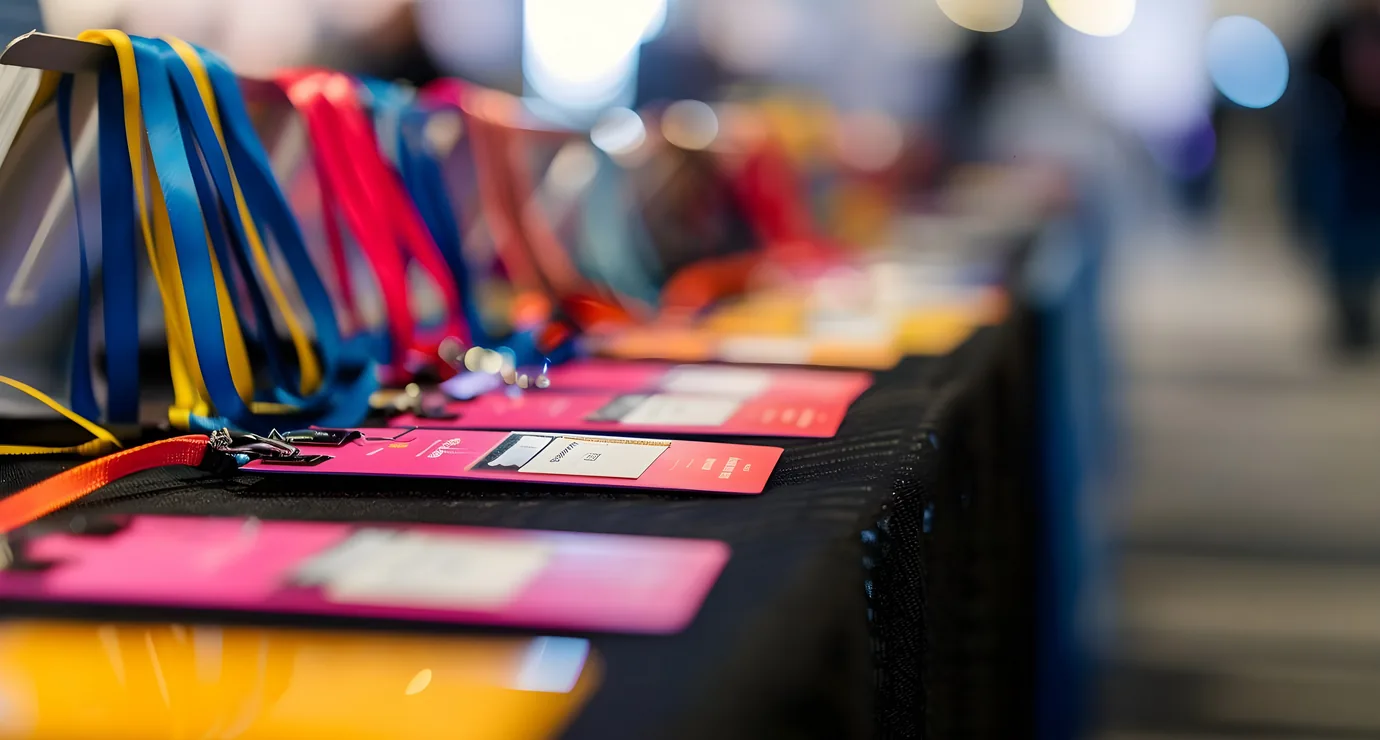
Badge Printing On Demand
Badges rendered from the registration record and printed at the moment of check-in, so late registrations and name corrections do not need a pre-print run.

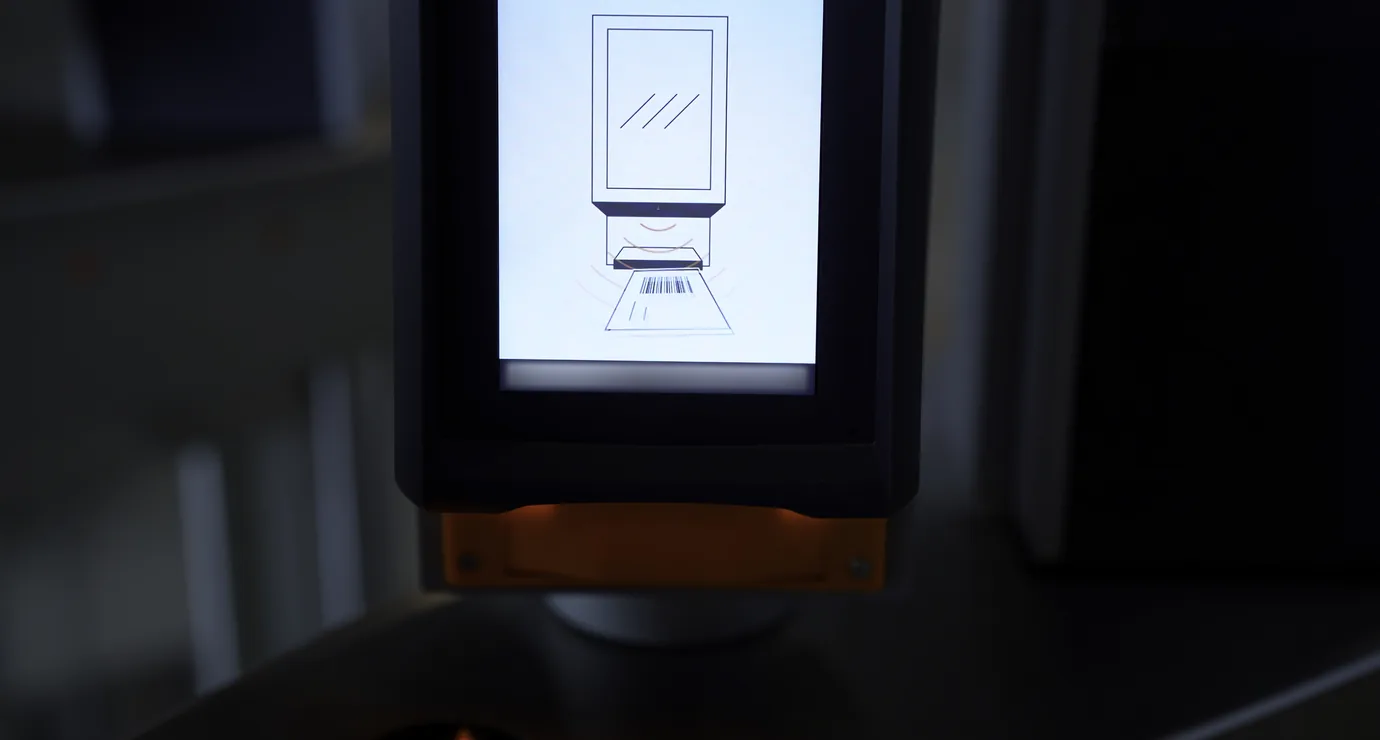
QR & NFC Scanning
QR codes scanned from print or screen, and NFC badges tapped against a reader, to record arrival and session entry against the attendee record.

RFID & Turnstile Integration
Hands-free reads at distance and integration with venue gates, so a valid scan releases the barrier and zone access follows the delegate's pass class.

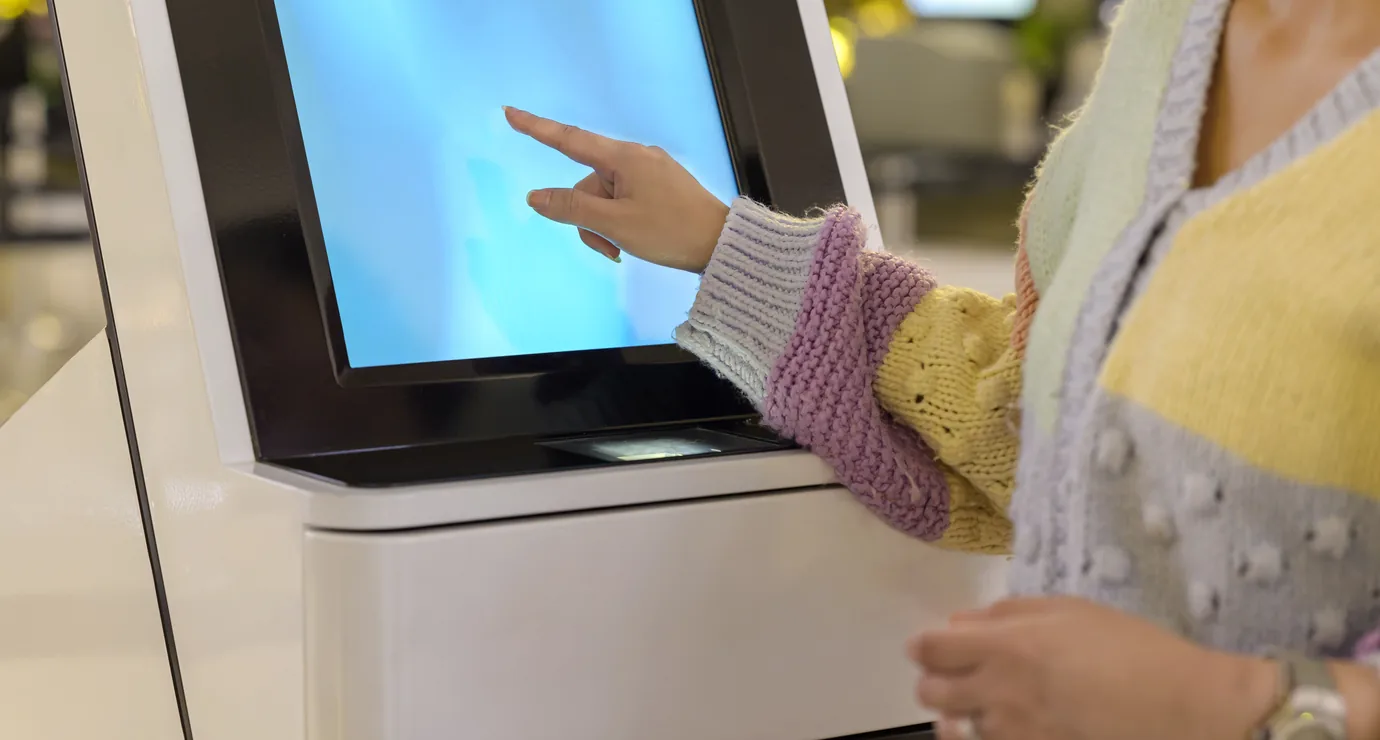
Self Check-In Kiosks
Unattended stations where delegates check themselves in and collect a badge, to take the peak off the staffed desk during the morning rush.

Sponsor Lead Retrieval
Exhibitors scan a badge with the attendee's consent and capture a qualified lead with their own follow-up fields, exported to the sponsor rather than locked in a platform.
Our Journey Of Making Great Things
Numbers that reflect over a decade of consistent delivery, trusted partnerships, and engineering excellence.
Years of experience
Projects delivered
Clients served
Countries reached
Our Success Stories
Every case study below is a product in production, built across healthcare, fintech, government, and e-commerce, and measured by the outcomes it delivers.
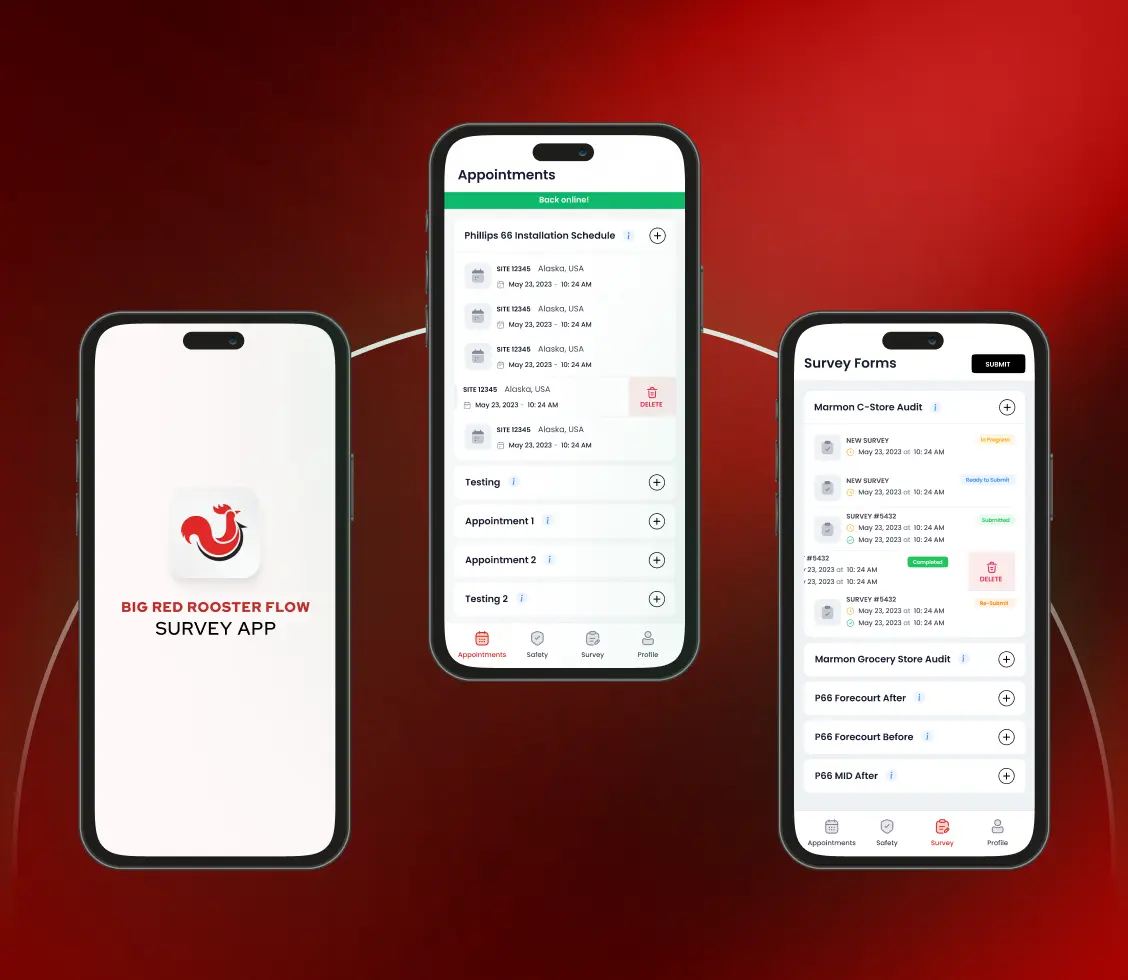
Field Inspection App - BRRF
Challenge
Big Red Rooster Flow's paper-based inspections across 500+ gas stations for Exxon, Marathon, 7-Eleven, Gulf, and BP suffered from 42% data error rates, 60-minute inspection times, and zero location verification, causing $4.2M in annual losses and threatening $18M in contracts.
Solution
We built a mobile-first survey platform with a no-code visual form builder, intelligent brand-specific survey logic, 99.3% accurate geofencing, full offline capability for 30+ days, a real-time operations dashboard with automated reporting, and role-based access for admins and field teams, deployed across 850+ field inspectors nationwide.
Impact
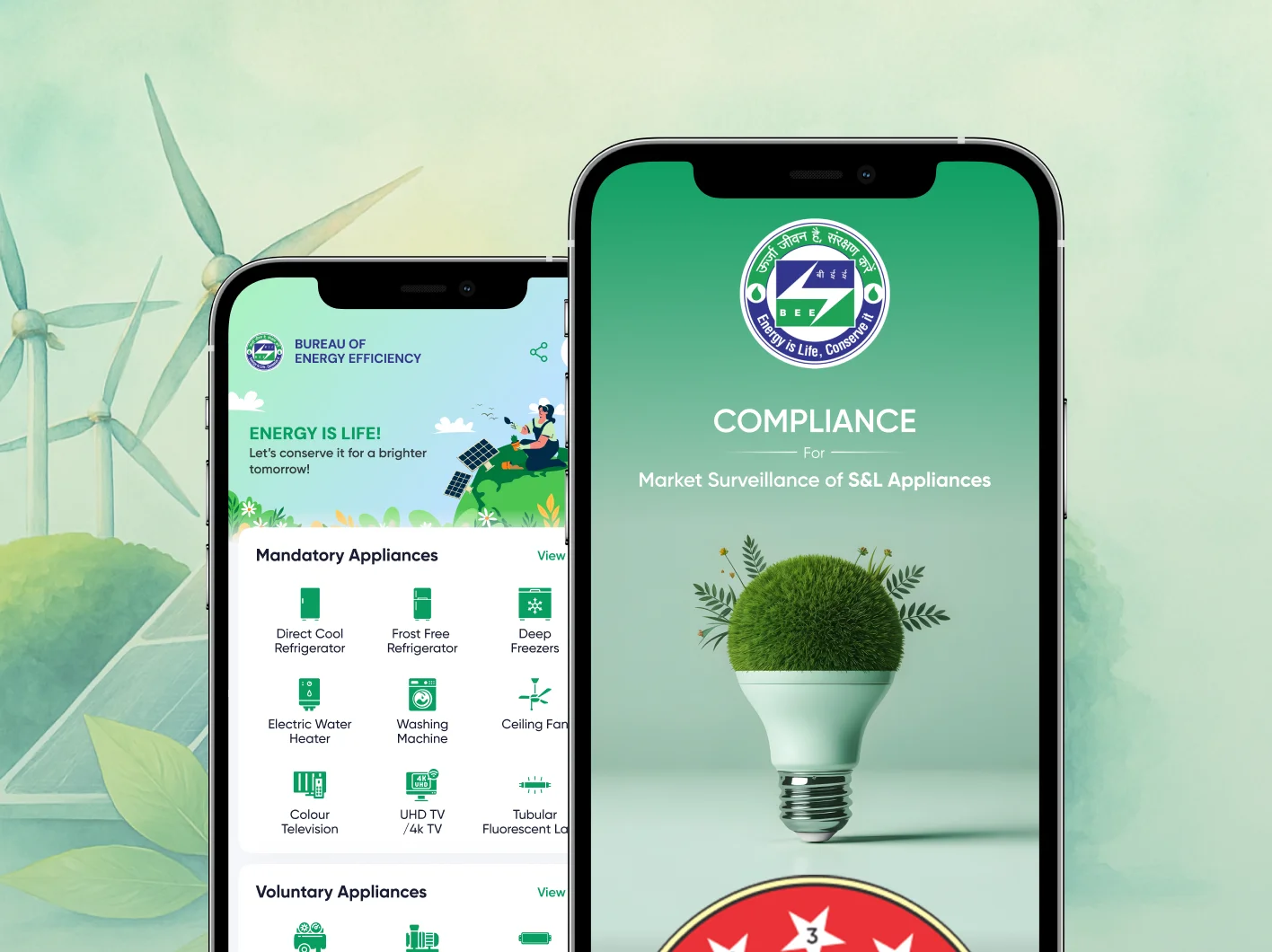
Energy Star Label Compliance App - BEE
Challenge
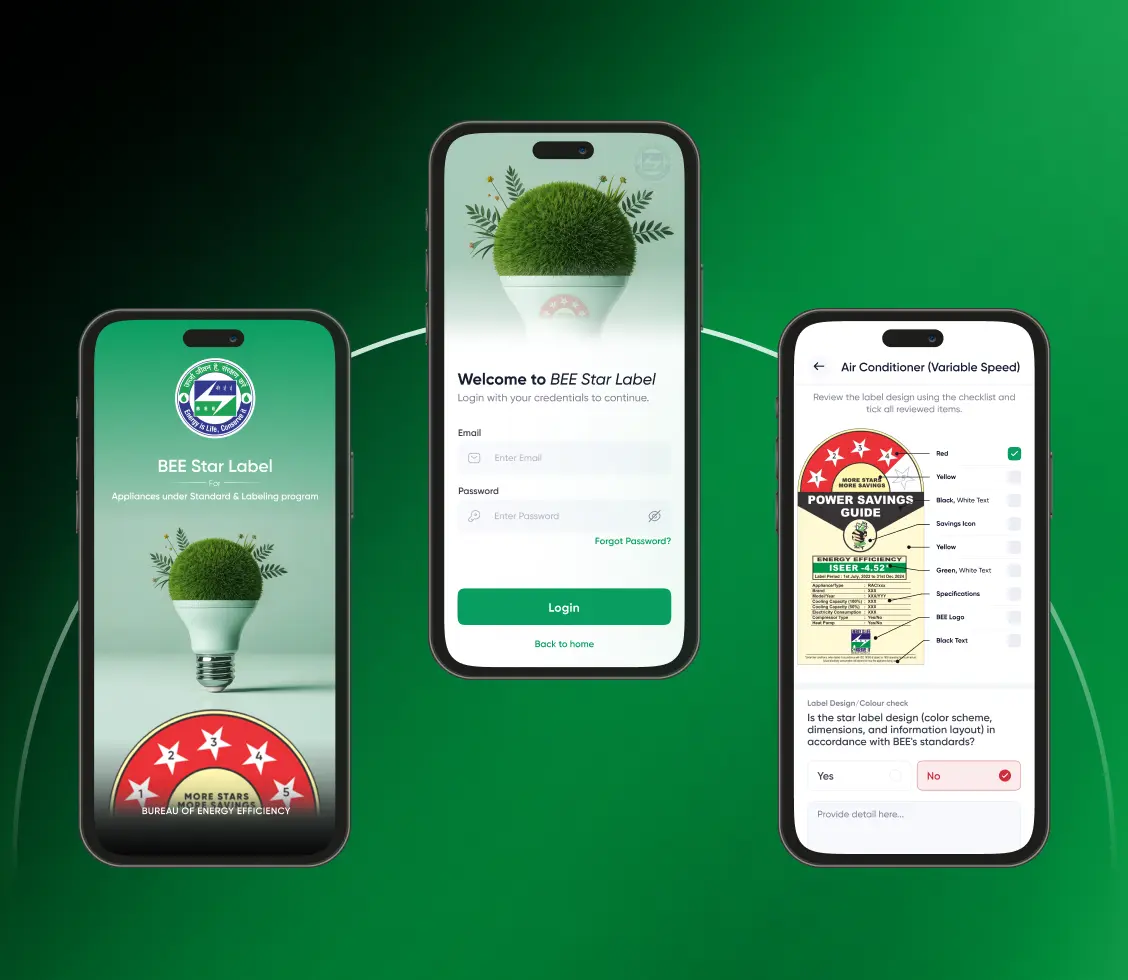
Manual inspection of Energy Star labels across India's vast appliance market was slow, error-prone, and lacked centralised visibility, making it difficult for BEE to enforce compliance or for consumers to verify appliance ratings.
Solution
We built a mobile and web platform that enables surveyors to validate star ratings, capture geo-tagged data with photo evidence, work offline, and generate instant reports, while giving consumers a simple interface to browse certified appliances, verify authenticity through star-label lookup, and raise complaints directly to BEE.
Impact
Cafeteria & Food Ordering App - Parliament of India
Challenge
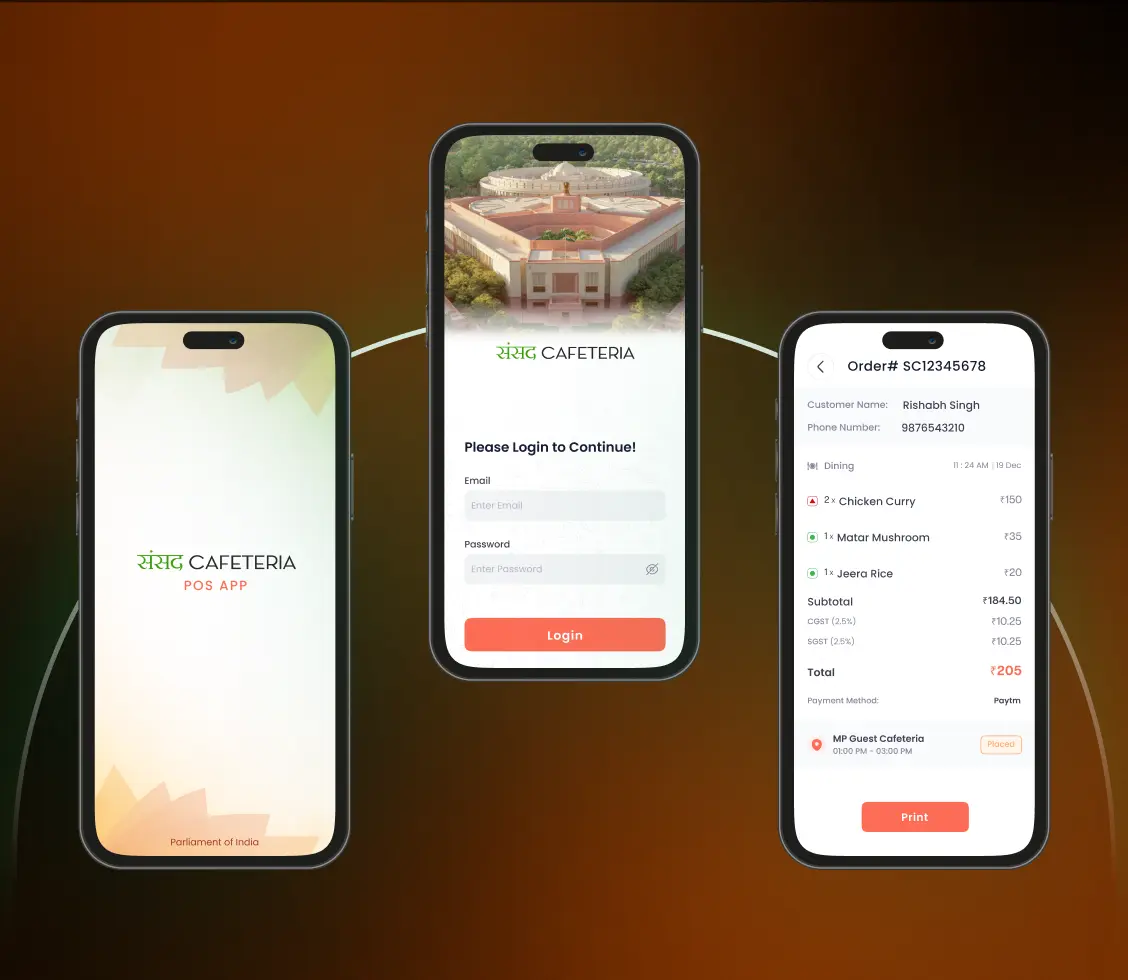
Food ordering within the Indian Parliament relied on traditional, manual processes, leading to long wait times, operational inefficiency, and logistical challenges in managing catering across a high-security environment.
Solution
We developed a mobile app for MPs and staff with real-time menu access, QR-based pickup, in-room delivery, integrated digital payments, and full order history, along with an admin portal for ITDC to manage live orders, menus, pricing, user roles, inventory, and reporting across Parliament canteen operations.
Impact
Mental Health Consultation & Booking App - Telepsych
Challenge
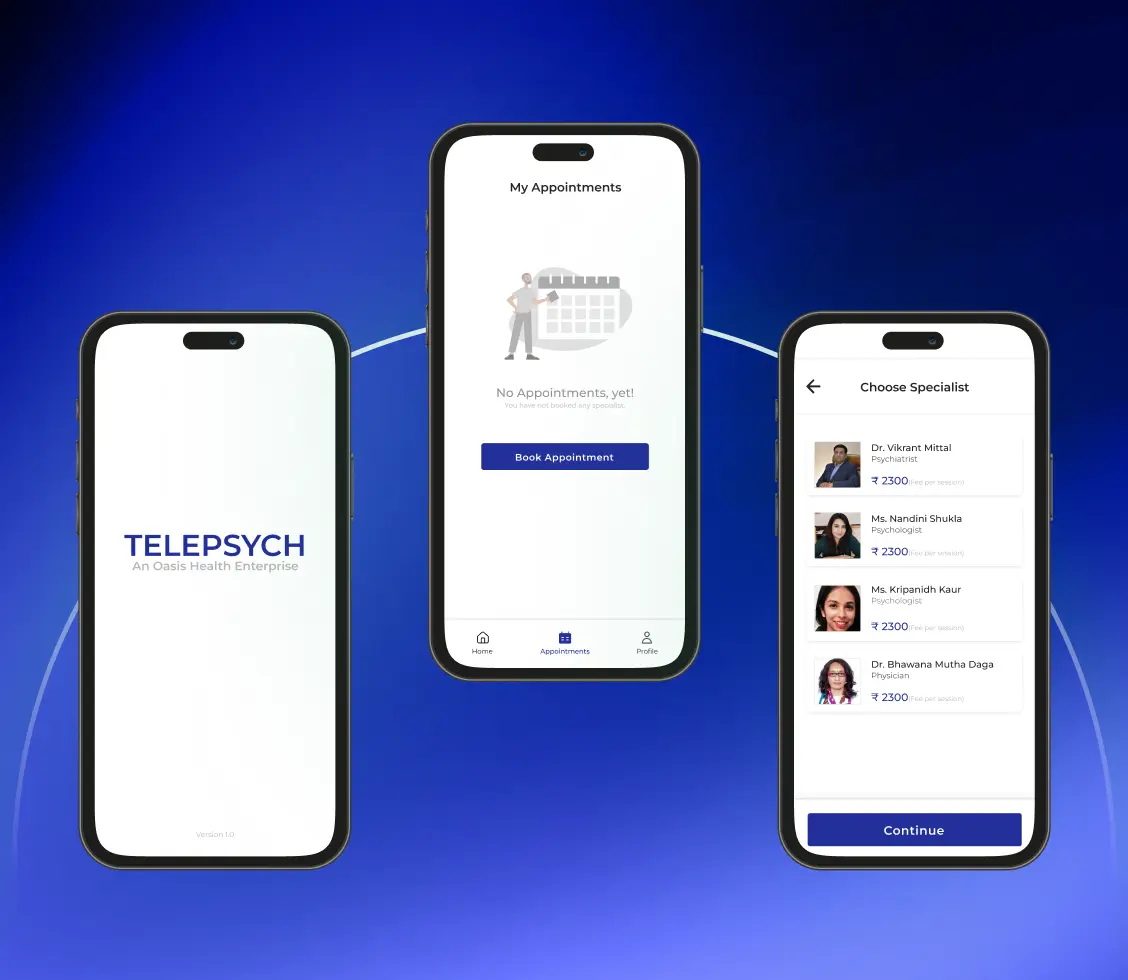
Fragmented booking systems and limited online options made accessing mental health consultations difficult for patients, while doctors and admins struggled with manual scheduling.
Solution
We built Telepsych, a web and mobile platform for booking online (Zoom) and in-person consultations, with secure payments, automated reminders, and session history, plus dedicated portals for doctors to manage availability and patient records, and for admins to oversee bookings, refunds, earnings reports, and daily clinic operations.
Impact
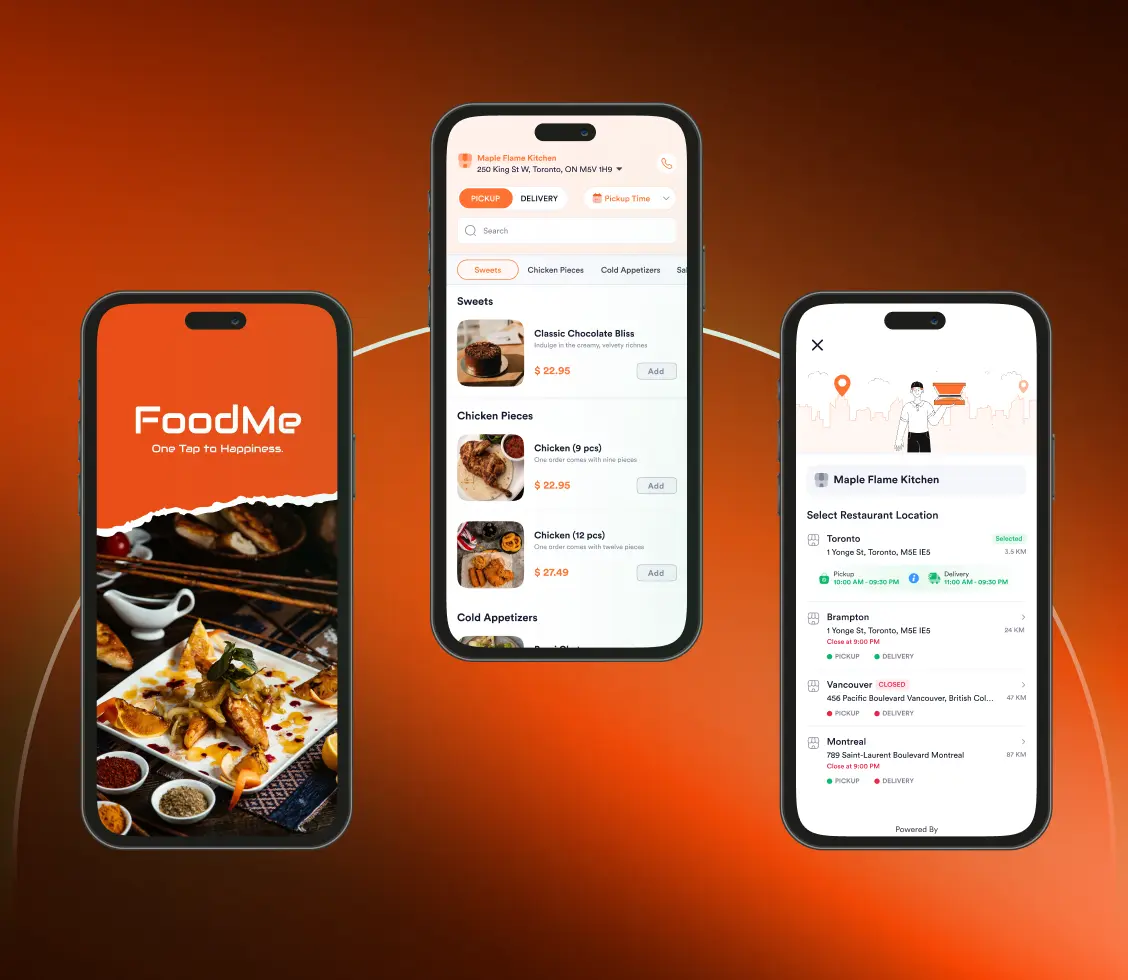
Online Ordering & Loyalty App - Foodme
Challenge
Restaurants lacked tailored digital tools for online ordering, payment processing, and customer engagement, limiting operational efficiency and scalable growth in an increasingly digital market.
Solution
We built custom mobile apps and websites with a central admin portal for menu and order management, Stripe-based secure payments, real-time order tracking, and built-in loyalty features including reward points, tiered memberships, personalised promotions, and push-notification campaigns to drive repeat customer engagement and retention.
Impact
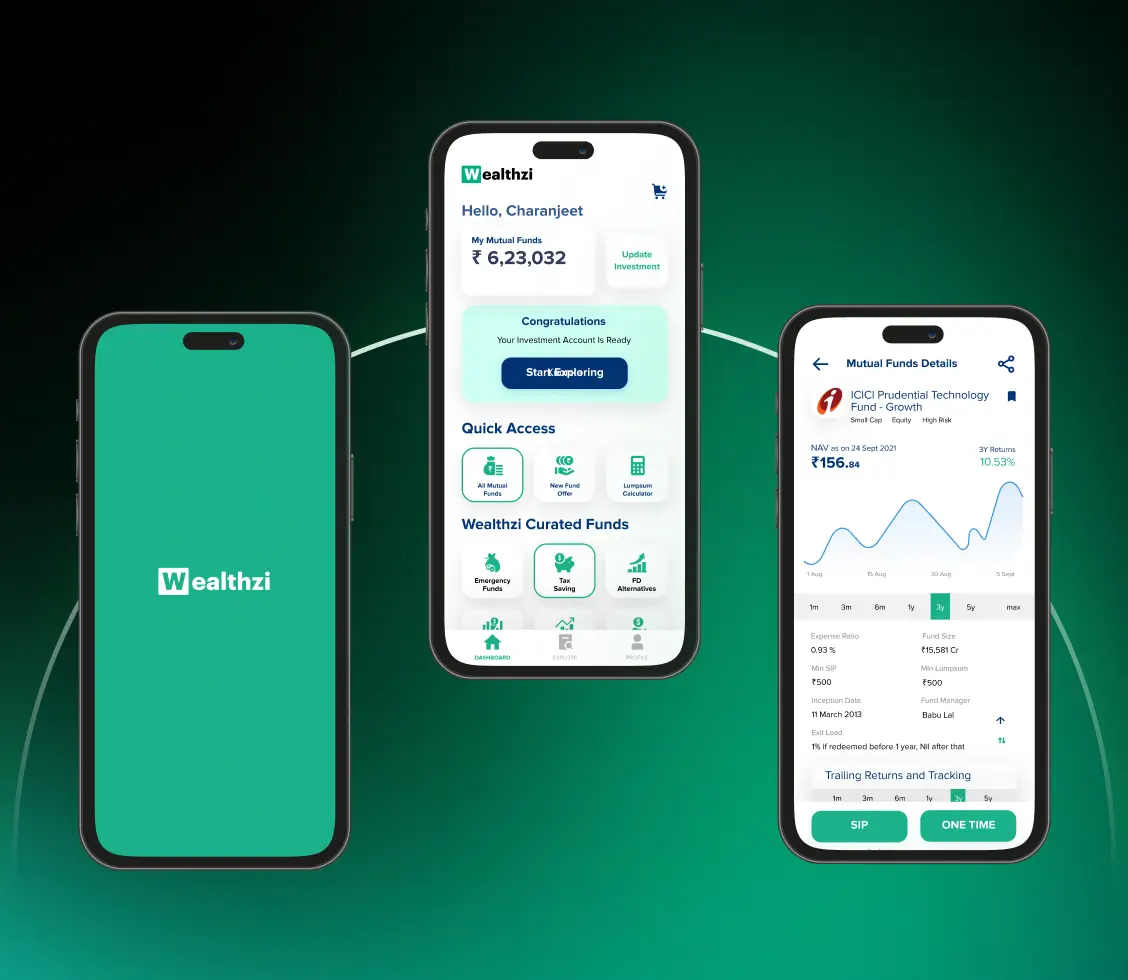
Wealth Management & Direct Investing APP — Wealthzi
Challenge
Indian investors lacked a unified, intelligent platform to manage diverse investments, relying on fragmented tools, manual advisory, and limited personalisation across mutual funds, PMS, and AIFs.
Solution
We built Wealthzi, a SEBI-compliant mobile and web platform offering zero-commission direct mutual fund investing, automated portfolio management, goal-based financial planning, AI-driven nudges for smarter decisions, seamless paperless KYC onboarding, and advisor tools for distributors to manage clients and grow their practice at scale.
Impact
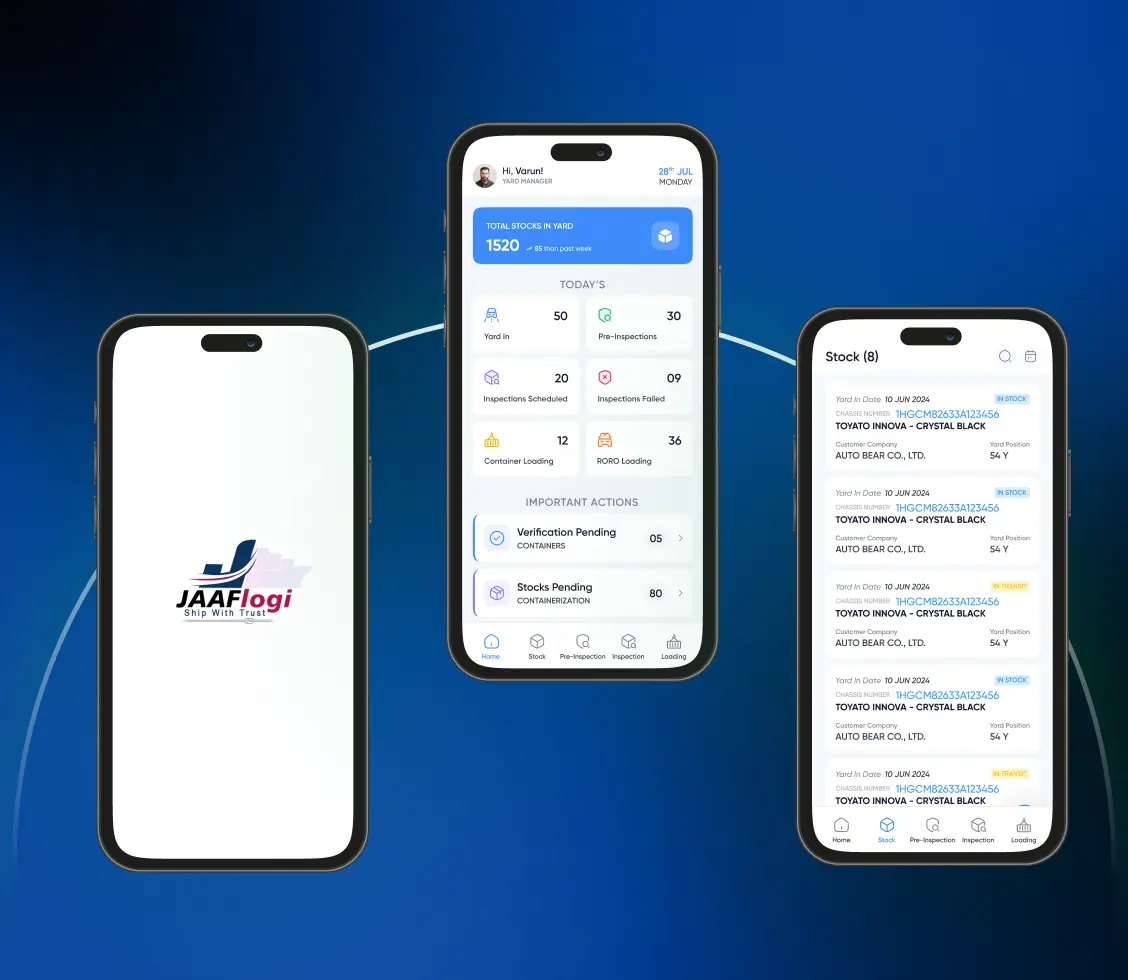
Vehicle Export Logistics APP — JAAFlogi
Challenge
Exporting used vehicles from Japan needs coordination across trucking, inspection, customs, and shipping, with manual processes causing delays and zero visibility for global buyers.
Solution
We built JAAFlogi, a web and mobile platform managing the vehicle export lifecycle end to end: stock, trucking, inspections, RORO shipping, customs, billing, real-time tracking, dedicated yard and driver apps, and a bilingual English/Japanese customer portal.
Impact
How We Build Your Event App
A sequence built around a fixed date that will not move. We rehearse the desk before the doors open, because an event has no soft launch and no second chance at 9am.
Discovery & Event-Format Mapping
We walk your run of show: tracks, capacities, registration rules, who mans the desk, what hardware exists, and what the venue's network is really like. This is also where we tell you if a platform would serve you better.
Architecture, Offline & Hardware Design
We design the offline sync and conflict model, the agenda and capacity rules, the data model you will own, and the integration path to your printers, scanners, gates and CRM. Offline is decided here, not retrofitted later.
App & Back-Office Build
The attendee app, the desk app and the organiser back office are built in reviewable increments against your real agenda and a real delegate list, rather than demo data that behaves nothing like a live event.
Hardware, CRM & Access Integration
Printers, scanners, kiosks, turnstiles and your CRM are wired up and tested on the actual devices, because a scanner SDK behaves differently in a hall than it does on a desk in an office.
Dry Run, Load Test & Go-Live
We rehearse the desk with your staff, test the doors-open surge, and pull the network on purpose to prove offline holds. Your team trains on the app they will actually use, before the date that cannot move.
Event-Day Support & Next Editions
We are on hand while the doors are open, then hand over the data and the post-event reporting. The app is built to be re-branded and re-run for the next edition rather than rebuilt each year.

Buy a Platform, or Build Your Own?
You have already seen the established platforms, and for most events they are the right call. Here is the honest test for when they are not, and it disqualifies a fair number of the enquiries we receive.
When a Platform Is the Right Answer
A conference or two a year, a single-track or simply-tracked agenda, decent venue wifi, no unusual hardware, and no constraint on where the attendee list lives. An established platform does this well, today, for a fraction of a build. If that is your event, buy one. We will say so in discovery rather than quote you a project.
When It Stops Working
Four conditions break a platform, and one is enough: the attendee database must be yours; the venue has no connectivity you can trust; you must integrate printers, scanners or turnstiles you already own; or DPDP and sector rules put the data somewhere a global vendor will not follow. Notice that none of these are features.
What Building Actually Costs
More than a licence up front, and it does not end at launch: devices change, OS versions move, each edition wants something new. It earns its cost when owning the data, the hardware path and the agenda logic is worth more than the subscription you avoid, or when per-attendee pricing across your calendar has crossed over. That is your commercial call to make with real numbers.
How We De-Risk the Decision
Discovery first, as a paid, self-contained piece of work that ends in a recommendation you own, including a recommendation to buy a platform instead. If a build follows, it starts with the constraint that is actually costing you, usually the desk, and proves itself at one event before it grows.
Events We Build For
Every one of these puts real people through a real door on a fixed date. That shared constraint is why they belong on one architecture, and why each still needs different rules on top of it.

Conferences & Summits
Multi-day, multi-track programmes where the agenda is the product: parallel sessions, room capacity, waitlists, personal schedules, and a speaker line-up that changes until the morning of day one.
Corporate & Internal Events
Town halls, sales kick-offs and leadership offsites, where staff sign in with corporate SSO, the guest list is confidential, and employee data cannot sit on an external platform.
Exhibitions & Trade Shows
Halls with poor connectivity, thousands through the gate at 9am, exhibitor lead retrieval, stand-level scanning, and turnstiles that decide who reaches which zone.
MICE & Business Events
Meetings, incentives, conferences and exhibitions run to a delegate protocol, with group movements, rooming and manifests. Where those delegates also need flights, hotels and transfers arranged, that is our travel portal alongside the app.
Government & Public Sector
Summits and departmental convenings where data residency, DPDP handling, accreditation and protocol order are procurement conditions rather than preferences, and a foreign-hosted platform is simply not an option.
Agencies Productising Their App
Event agencies who run a calendar of events for different clients and want their own app to re-brand per event, rather than paying per attendee to a platform they resell and cannot control.
Data, Consent & Integration
An attendee list is personal data about a few thousand named people, and it is the asset the event exists to produce. Both facts drive the engineering. Where a deeper review is warranted, our cybersecurity consulting team works alongside the build.

You Own the Attendee Data
The database runs on your infrastructure and the code is handed over. The list does not sit with a vendor after the event ends, and no one else decides what you may export.

DPDP Consent & Erasure
Consent captured at registration, purpose limitation, and erasure on request, aligned with India's Digital Personal Data Protection Act. Sponsor lead capture is consent-based, not automatic.

CRM & Marketing Integration
Attendees, sessions attended and sponsor leads written into your Salesforce, HubSpot or Zoho on your terms, rather than whatever a vendor's connector catalogue happens to expose.
SSO & Staff Access
Single sign-on for internal events so staff use their existing corporate identity, and role-scoped access so desk staff, organisers and exhibitors each see only their own view.

Encryption & Secure Access
Encryption in transit and at rest across app, desk devices and back office, with secure authentication and session controls on hardware that leaves the office.

Audit Trail & Exports
A record of who scanned what and when, plus post-event exports and reporting in a form your finance team, sponsors and accreditation bodies will accept.
Why Organisers Choose Webority
What an organiser weighs when the date cannot move: whether the build survives the venue floor, who holds the data afterwards, and whether anyone picks up the phone at 8:45 on the morning of day one.
Built Under CMMI Level 5 & ISO 27001
Your app is engineered under CMMI Level 5 process quality and ISO 27001 security controls. Against a field of small studios, that is an audited standard of delivery and data handling rather than a promise.
Built for the Venue Floor
Offline sync, badge printers, scanner SDKs and turnstiles, tested on the real devices in the real hall. The demo always works; the 9am queue is what the build is judged on.
We Tell You When a Platform Is Enough
If an off-the-shelf platform serves you better, that is what we recommend, and we lose the project. A partner who only ever recommends the expensive option is not advising you, they are quoting.
Attendee Data Handled Properly
Consent at registration, role-scoped access, encryption in transit and at rest, and erasure on request, aligned to India's DPDP Act, with the database staying on your infrastructure.
Delhi NCR Delivery, Global Events
Our engineering centre is in Delhi NCR and we build for organisers across India, the US, the UK and the Gulf, with overlap hours and a cost base that makes a custom build viable.
We Stay Past the First Event
We are reachable while the doors are open, and the app is built to be re-branded and re-run for the next edition rather than rebuilt from scratch every year.
Certificates and Compliances
At Webority Technologies, we take pride in our professional recognition and reputation as a trusted name for all your business solution needs. Rely on us for expert guidance and exceptional results.








Related Services & Capabilities
Where an event needs more than the attendee app, these are separate builds designed to connect to it rather than overlap.






What Our Clients Say
Real words from the founders, product owners, and CTOs who chose Webority




Frequently Asked Questions
Event app development is building a branded attendee application and the back office behind it for a specific organiser, rather than renting a shared platform. It typically covers a multi-track agenda and personal schedule, RSVP and registration, on-site check-in, badges and scanning, networking, notifications, and live polling or Q&A. The difference from off-the-shelf event software is that the workflows, the hardware it talks to, and the attendee data all belong to the organiser instead of a vendor.
For a standard conference on a normal schedule, an established platform is usually the right answer and we will tell you so. Building is justified when you hit a limit a shared platform cannot cross: you need to own the attendee database outright, the venue has no reliable connectivity and check-in must work offline, you need to integrate badge printers, scanners, turnstiles or access control you already own, your agenda logic is more complex than the product models, or per-attendee pricing across a calendar of events has outgrown the cost of building. We work through that test in discovery before proposing a build.
Yes, that is a core design goal. Conference halls, basements and exhibition floors routinely have unusable connectivity, so check-in, badge scanning and session capture are built offline-first: actions are written to the device and reconciled with the server once the connection returns, with conflict handling so two desks scanning the same attendee cannot produce two records. The registration desk keeps moving whether or not the venue network does.
Yes. We build against the hardware you already own or intend to hire rather than a fixed certified-device list: on-demand badge printing at check-in, QR and NFC scanning for entry and session tracking, and RFID or turnstile integration where a venue uses physical gates. Which hardware makes sense depends on your venue, your event size and what you can source, and that is assessed during discovery rather than assumed.
You do. The attendee database runs on your infrastructure and the code is handed over, so the list does not sit with a vendor after the event ends. Personal data is handled to the expectations of India's Digital Personal Data Protection (DPDP) Act, including consent capture at registration, purpose limitation, role-scoped access, and erasure, with encryption in transit and at rest. Sponsor lead capture is consent-based rather than automatic. We build to the standard; we are not your auditor.
They solve adjacent problems and are separate builds. Our ticket booking portal covers selling admission: seat selection, pricing, payments and validating a ticket at the gate. Our event planning CRM covers the organiser's own operation: clients, vendors, timelines and budgets. This page covers the attendee-facing app and the on-site desk, the agenda, RSVP, check-in, badges, networking and notifications. Many organisers run more than one of these, and they are designed to connect rather than overlap.